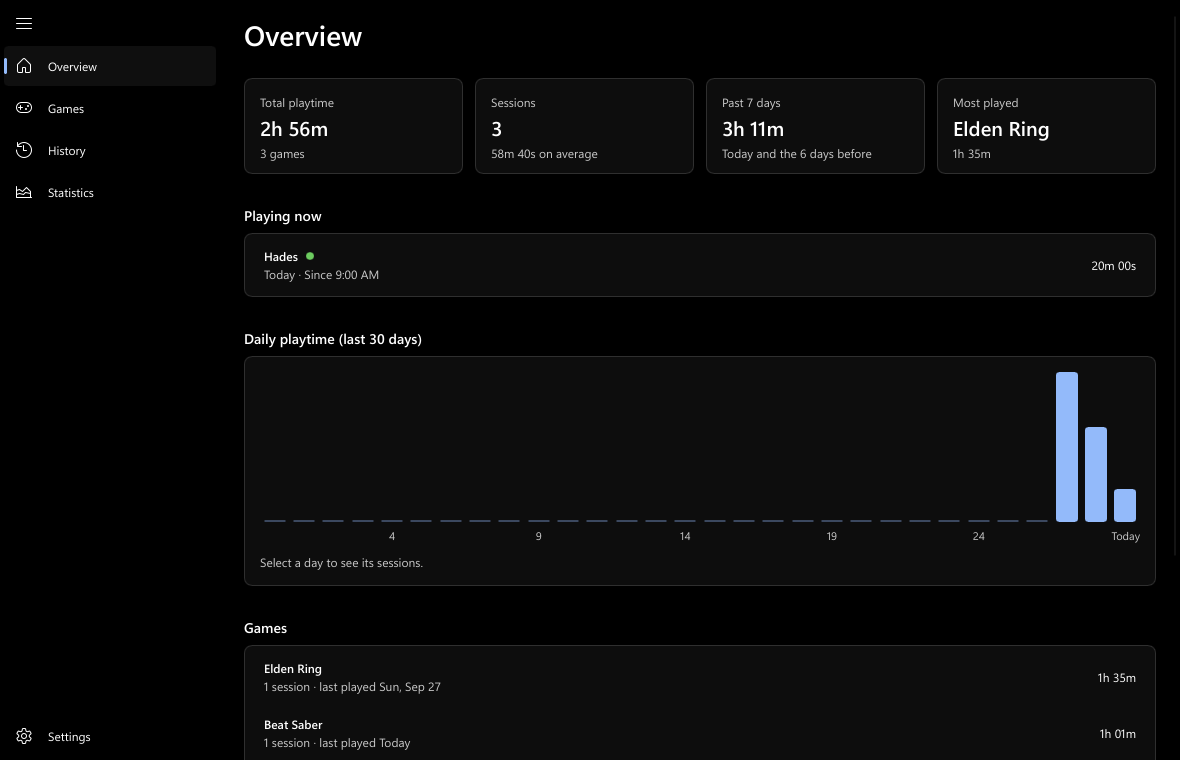
Completely automatic
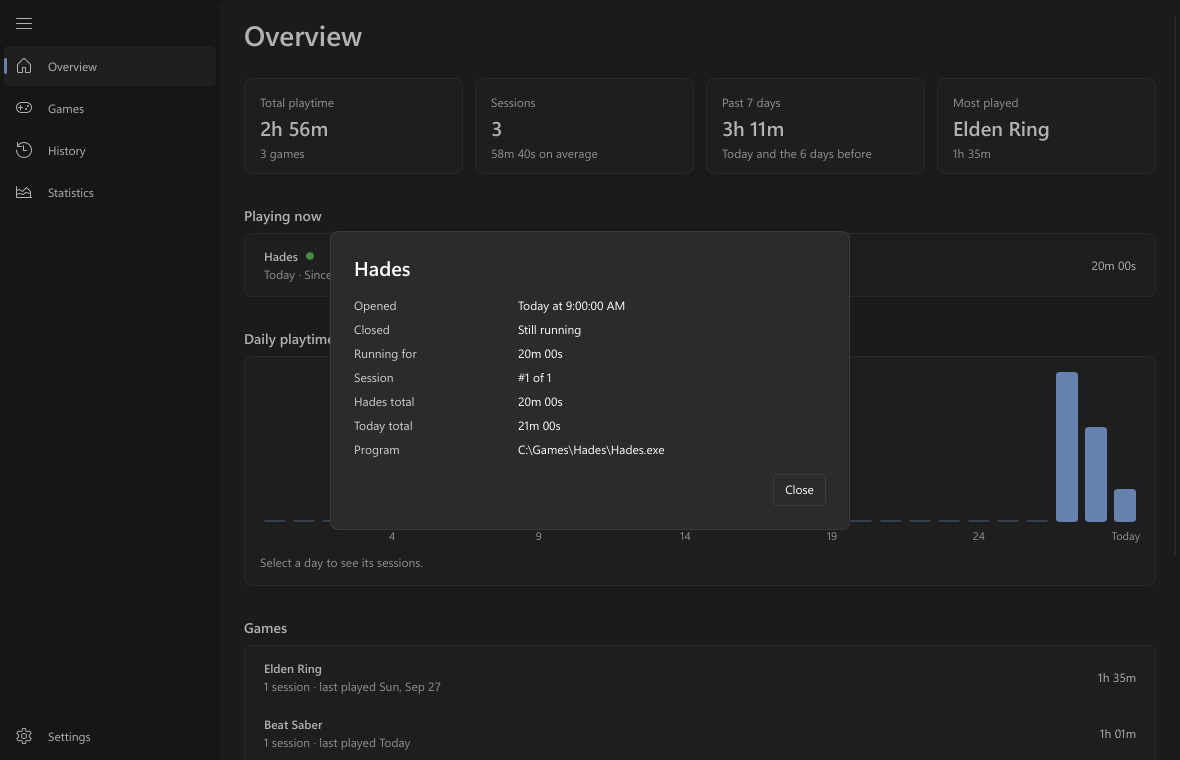
Nothing to start or stop. A game you're playing counts up live, every second, and a Session logged notification tells you how long it was.
Latest release · Free & open source
PlayLedger sits quietly in the system tray, recognises your games the moment they start, and records every session. A Windows 11 dashboard turns it into totals, daily charts, a 30-day history and statistics.
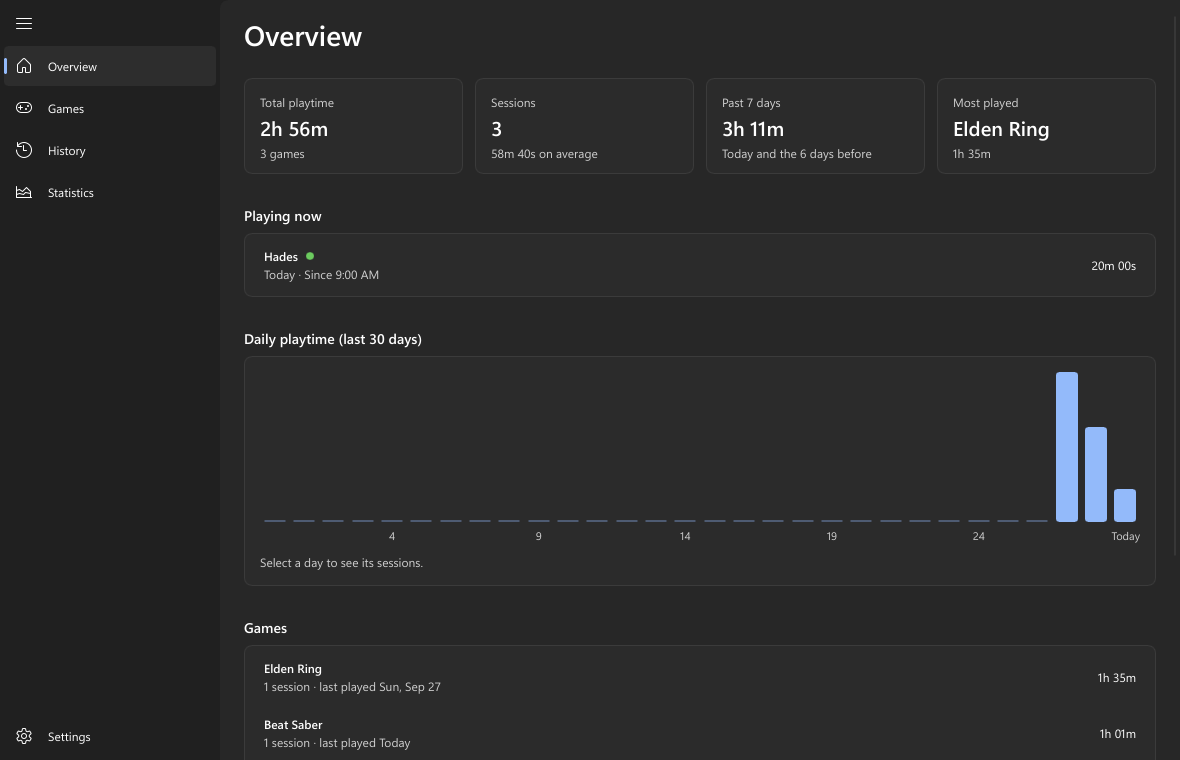
Open a game and it's tracked. Close it and the session is logged: when you opened it, when you closed it, and how long you played.
Nothing to start or stop. A game you're playing counts up live, every second, and a Session logged notification tells you how long it was.
Every major launcher, Windows' own list of games, and popular games that install by themselves. Anything else is one click to add.
Sleep never counts, a launcher handing off to its game stays one session, and play survives a crash or a power cut.
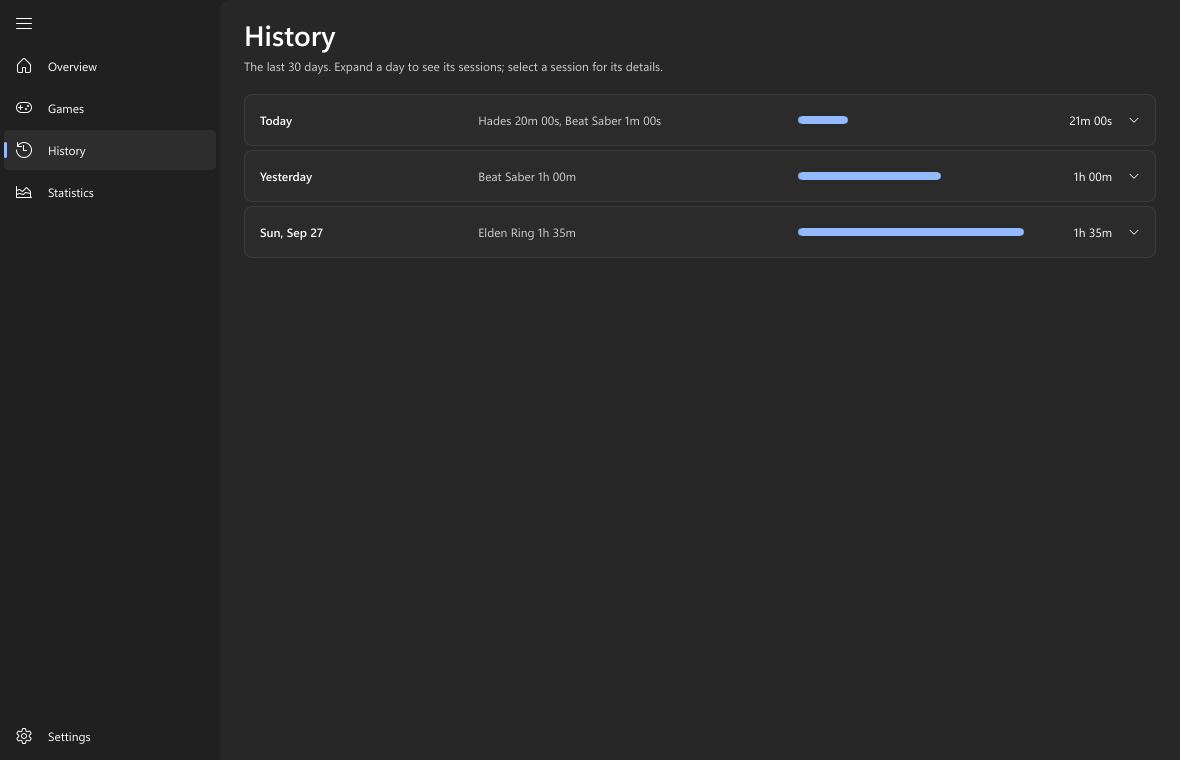
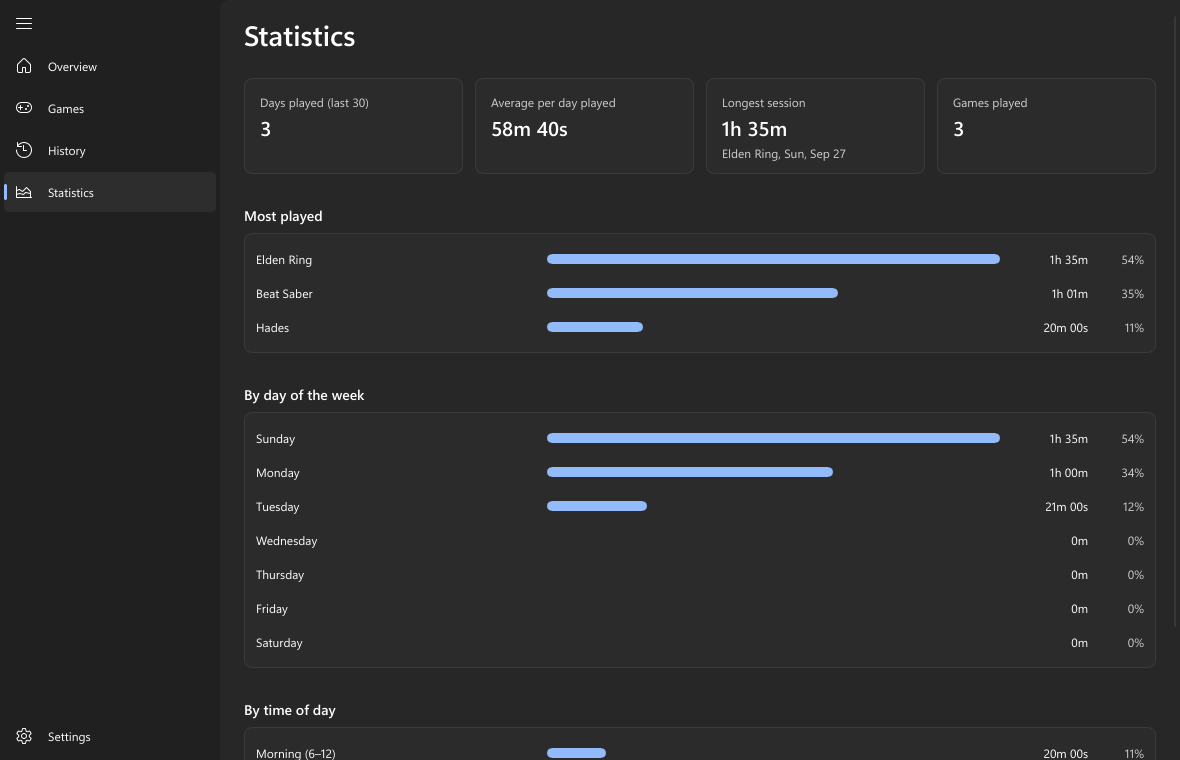
Totals per game, a bar for each of the last 30 days, one card per day, your busiest weekdays and whether you play mornings or nights.
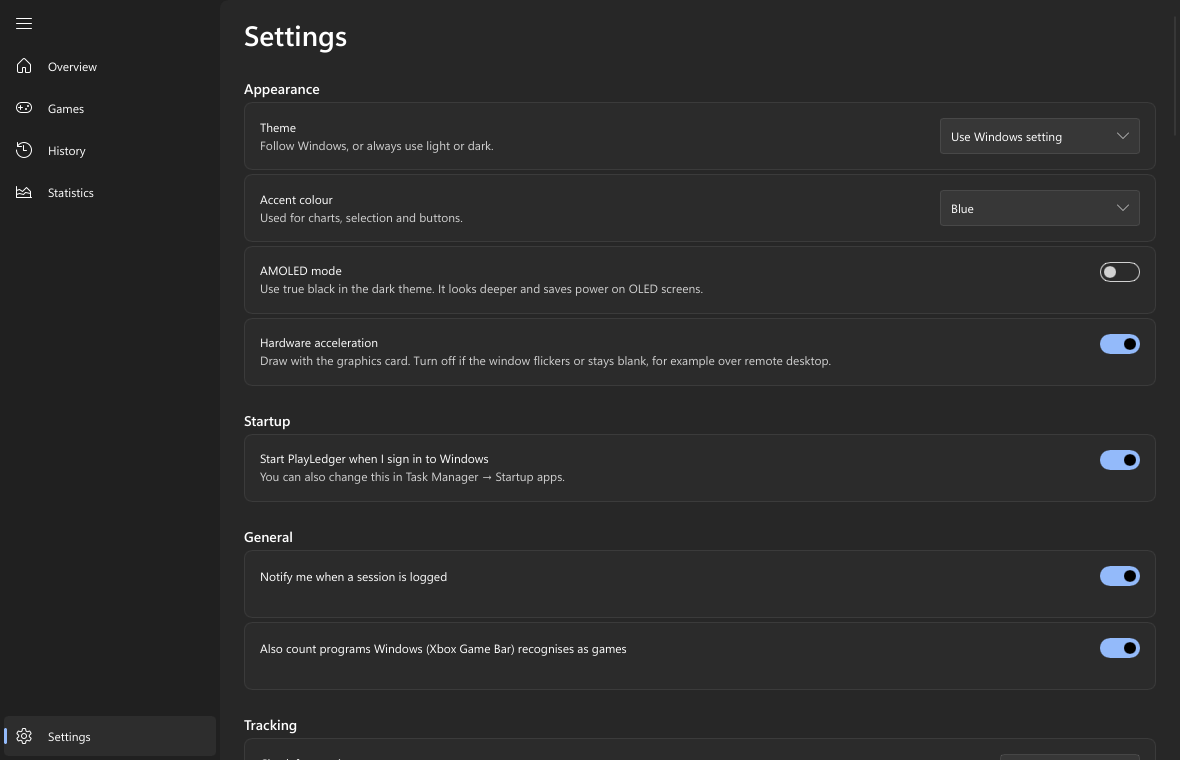
Your accent colour, light and dark themes with a true-black AMOLED mode, full keyboard and screen reader support.
Encrypted for your Windows account and protected against hand edits, so your playtime stays honest.
Every session to a spreadsheet at any time, plus a plain-text report that's rewritten on every save.
Two small programs written in Rust, with a Slint dashboard. No runtime to install, no browser engine, no background services. Updates install themselves safely, and never in the middle of a game.
From Steam's own cache, or SteamGridDB if you turn it on. Or pick any image yourself.
PlayLedger reads each store's own records, the game folders they install into, and Windows' list of games, then looks again every 10 minutes.
Every 5 seconds the tracker checks running programs against your games, even games running as administrator.
A session ends 20 seconds after the game closes, at the last moment it was seen. Launcher hand-offs stay one session.
Running sessions are saved every minute. After a crash or power cut, at most about a minute is lost.
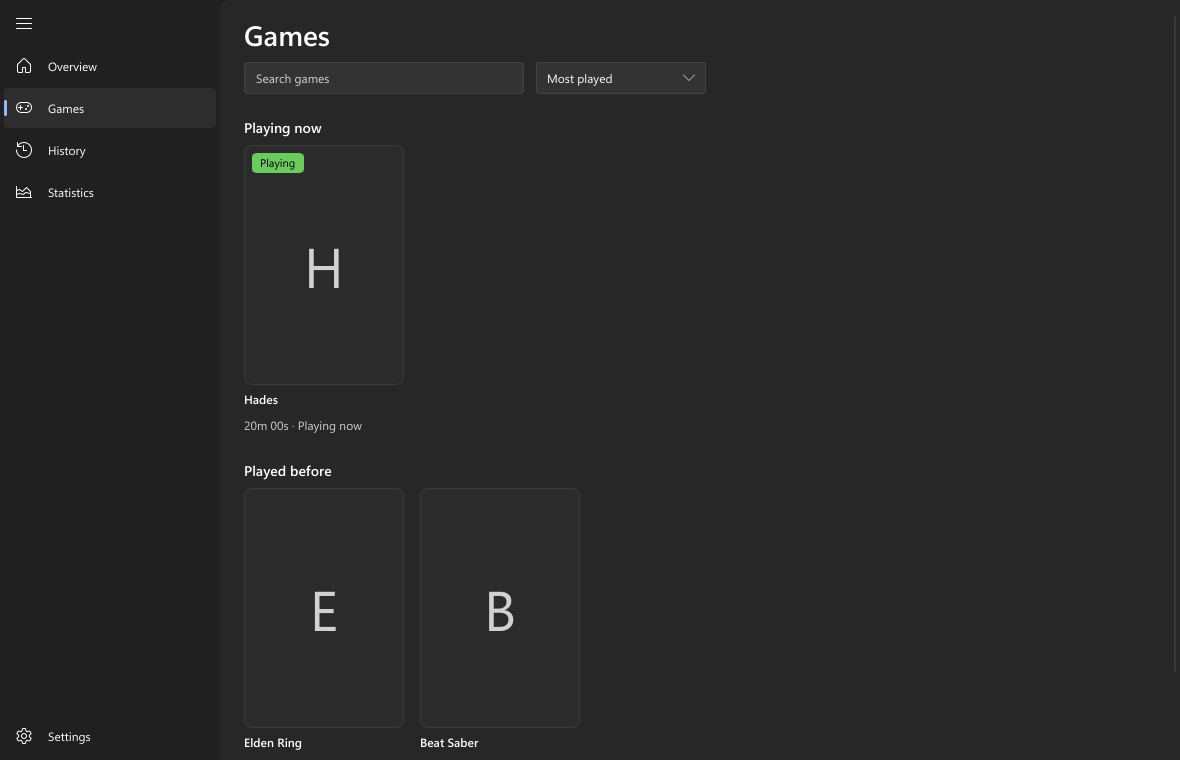
Real screens from PlayLedger's dashboard, drawn from its built-in sample data.
There's no account, no analytics and no server. Nothing about your play history ever leaves your computer, and you can export all of it whenever you like.
Sessions and settings are encrypted and integrity-checked with Windows' own data protection. Put an older copy back to undo playtime and PlayLedger notices.
Only update checks to GitHub, and artwork if you turn it on: Steam pictures by Steam ID, and SteamGridDB with your own key, kept in Windows Credential Manager.
An installer must come from this project's GitHub release and match the size and SHA-256 GitHub recorded, or nothing is installed. Never while a game is running.
Setup.exe (10 MB) from the latest release.
Next → Next → Install → Finish. It installs for your account only, no admin rights, and starts with Windows.
Within a few seconds the game is tracked. Click the controller icon in the tray to open the dashboard.
“Windows protected your PC”? The installer isn't code-signed yet, so SmartScreen may warn about an unrecognised app the first time. Click More info, then Run anyway.
Used Playtime Tracker? PlayLedger is the same app under its new name. Run the new Setup.exe over the old version and your history, settings and artwork all stay.
Requires Windows 11 on a 64-bit (x64) PC. Windows 10 isn't tested. Nothing else to install.

Free, open source, about 10 MB. Your next session is already being counted.